Help - Home
Managing Favorite Documents
As you review documents, you have the option to save them to your Favorites.
To save a document to your Favorites:
- Click the Manage Favorites and specify a folder.
To review your favorites:
- In the utility bar at the top of the screen, click the Favorites link.
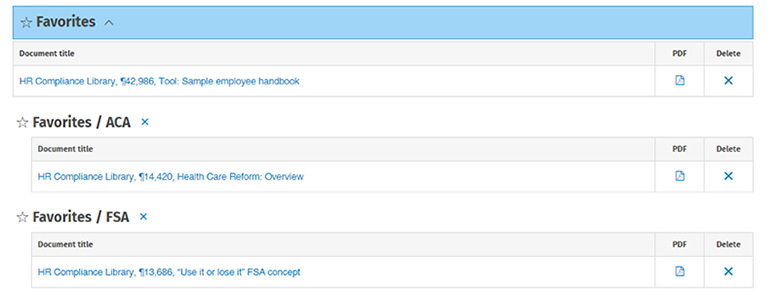
From the Favorites section, you can do the following:
- click a document to open
- download the document as a PDF
- delete the favorite