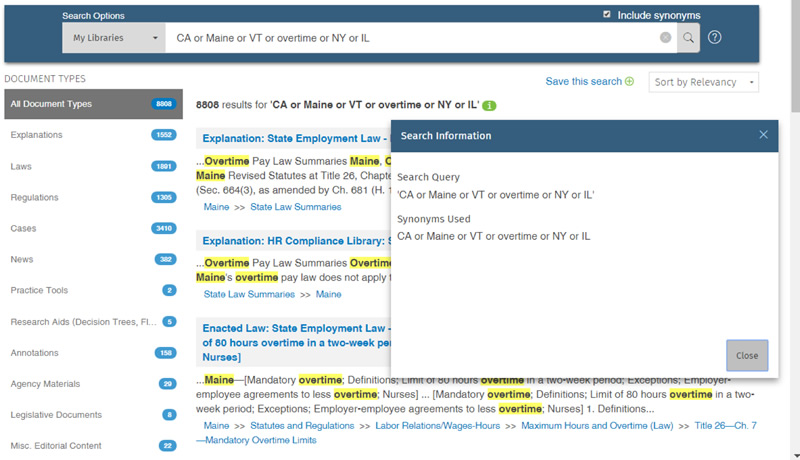
Anytime you execute a search, you can save the search.
When you save a search, you have the option to set a daily or weekly alert. This will trigger the system to review all articles in the "news" publications and alert you if any new documents appear that match your search criteria.
You will receive an email alert early in the morning on the day that an article appears in the "News" databases that match your search term. If you have multiple save search topics, you will receive a single email with ALL saved search terms included for that day.
To save a search & setup an alert email:

Note: you have the ability to save your saved search to the Saved Search default folder, create your own folder or save it to a folder you already created.
Reviewing a Saved Search Alert
The Search Alert email that you receive will include the following:
Note: You can search for multiple ‘hot’ topics (using the ‘OR’ connector) as shown in the first example below and the unique 'synonyms' or thesaurus feature will work for up to 5 search terms; if more search words are included, the synonyms feature is not applied as seen in the second screenshot.
When creating a search alert, the benefit of setting up a ‘hot topics’ search string is in the time it takes you to setup the searches as individual searches vs. doing all at once.
Thesaurus is applied

Thesaurus is not applied because more than 5 terms are included