Help - Home
Managing Saved Searches and Alerts
As you search in the product, you have the option to save the search by clicking the Save this Search link.
To review your existing searches:
- On the utility bar at the top of the screen, click on the Searches link.
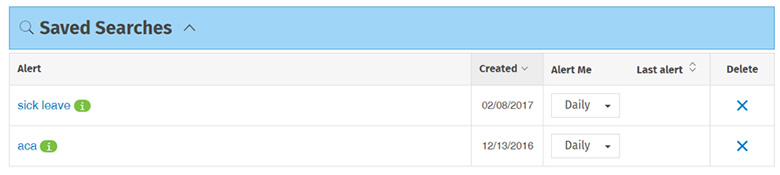
From the Saved Searches section, you can
- click to re-execute the search,
- review what the search parameters are,
- establish whether you want daily or weekly alerts,
- or delete the search.
See also Creating a Search Alert for more information.
